
 Written by
Marcus Cole
Appliance Repair Content Specialist
Published August 1, 2026
Updated August 7, 2026
Technically reviewed August 7, 2026
Troubleshooting
Written by
Marcus Cole
Appliance Repair Content Specialist
Published August 1, 2026
Updated August 7, 2026
Technically reviewed August 7, 2026
Troubleshooting
Troubleshooting
Dishwasher Not Draining? A Safe Step-by-Step Checklist
Standing water after a cycle usually points to a drainage restriction. Here is what you can safely check.
Standing water in a dishwasher can be frustrating, especially when it interrupts a normal household routine. A symptom alone does not identify a failed part, so start with observations that are safe, repeatable, and useful if you later arrange a Thermador service visit.
This guide separates routine care from work that requires testing or disassembly. Do not bypass a lock, safety switch, or error message to keep an appliance running. Taking a few notes now can make the eventual diagnosis faster and more accurate.
Start with the simple conditions
Cancel the cycle if needed, allow the tub to settle, and follow the manual to remove and rinse the accessible filter. Make the check with the appliance in its normal position and without forcing panels, fittings, or controls. If the result changes after a simple adjustment, run one normal cycle or operation before drawing a conclusion.
A visible kink in the accessible drain hose or a recently installed disposer connection can explain a drainage complaint without indicating a failed pump. Look for a pattern: whether the issue happens every time, only with a particular load or setting, or after the appliance has been running for a while. That distinction is more valuable than repeatedly restarting the appliance.
| Symptom | Likely cause | Safe check |
|---|---|---|
| Water after cycle | Filter debris | Rinse filter |
| Slow drain | Pinched hose | Inspect visible hose |
| Drain code | Restriction or pump issue | Record code |
Safe checks that protect the appliance
Consult the use-and-care manual for model-specific controls, filter access, and maintenance intervals. Clean only parts described as user-serviceable, use the recommended cleaning products, and refit every removable part exactly as it was designed to sit.
Before trying another cycle, clear obstructions, reduce an unusually heavy load, and make sure airflow, water supply, or door clearance is not being restricted. Avoid repeated resets: they can hide an intermittent fault and may leave water, heat, or pressure where it should not be.
- Record any displayed message or error code before clearing it.
- Check visible hoses, vents, seals, and plugs without moving electrical connections.
- Use one controlled test rather than several back-to-back attempts.
Safe to try
- Clean the filter
- Check visible hose routing
- Record the error code
Leave to a technician
- Reach into the pump
- Disconnect wiring
- Force a drain cycle repeatedly
Know when the symptom needs diagnosis
If the basic checks do not change the symptom, stop at the user-serviceable boundary. Internal wiring, heating circuits, pumps, motors, refrigerant lines, gas connections, and control boards need the correct test equipment and a technician who can verify the repair safely.
Arrange service promptly when performance is getting worse, the appliance trips a breaker, leaks near electrical parts, smells hot or burnt, makes a new grinding noise, or cannot complete a normal cycle. Do not continue operating an appliance that gives a safety warning.
What to tell the technician
Share the model number, the exact symptom, when it began, what settings were selected, and the results of the safe checks above. A photo of a code or a short description of the sound can also help, but never remove a cover to obtain it.
Careful observation is not a substitute for repair, but it is the best first step. Address the simple conditions, preserve any useful error information, and leave electrical, gas, sealed-system, and internal mechanical work to an authorized Thermador technician.
This article covers Dishwasher Not Draining A with practical checks you can run before booking a technician.
More detail on Dishwasher Not Draining A
Need help now? Visit our services page or contact us.
Official manuals and support notes are available on Thermador Support.
Remember: Dishwasher Not Draining A is easier to resolve when you capture the model number and when Dishwasher Not Draining A first appeared.
Write down the full model number before ordering parts. Board and sensor revisions can change which part number is correct.
A single power reset can clear a temporary fault, but repeated returns of the same code usually mean a physical cause remains.
Keep vents and filters clear between visits. Restricted airflow often mimics electrical or sensor failures.
If water, burning smells, or sparking are present, stop using the appliance and arrange a professional inspection.
Keep going
Related help
Dishwasher Repair
Dishwasher not draining, not cleaning, or showing an error code? We find the cause and get your Thermador Emerald®, Sapphire® or Star-Sapphire® dishwasher back to spotless cycles.
Dishwashers
Thermador Emerald®, Sapphire® and Star-Sapphire® dishwasher diagnostics and repair — drainage, cleaning, leaks and error codes.
Thermador Dishwasher E24
E24 points to a drainage problem — the dishwasher is not draining as expected.
FAQ
Frequently asked questions
Cancel the cycle if needed, allow the tub to settle, and follow the manual to remove and rinse the accessible filter.
Only if there is no burning smell, smoke, sparking, gas odor, water near electricity, or other safety warning. Otherwise stop and arrange service.
Book a diagnosis when the safe checks above do not resolve standing water in a dishwasher, or when the next step would require opening the appliance or testing internal parts.
Keep reading
Similar articles
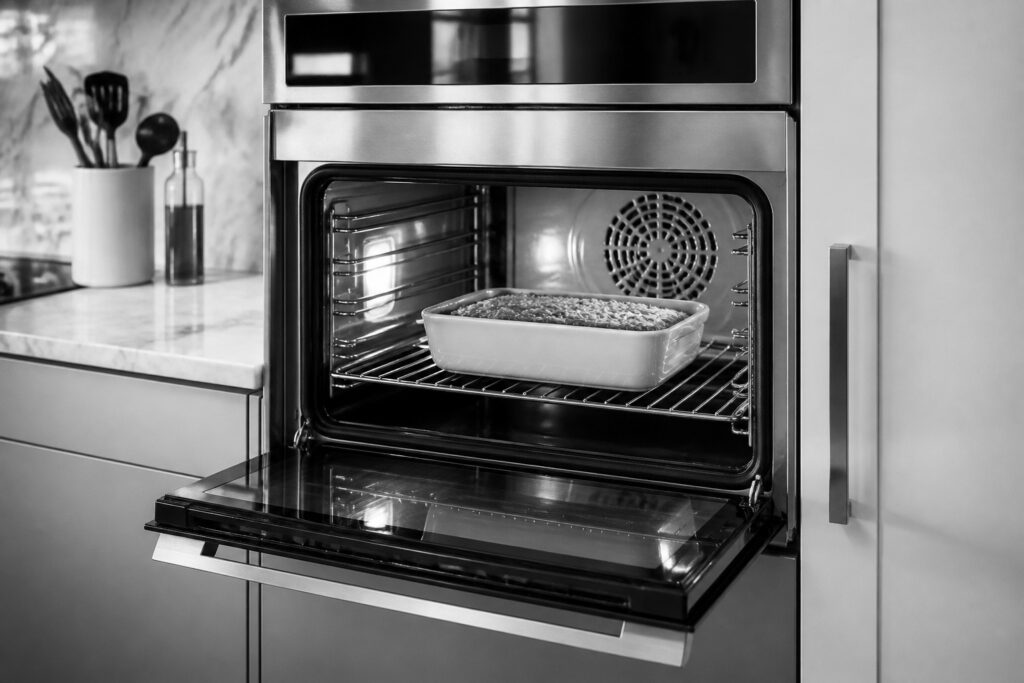
Wall Oven Stopping Mid-Bake: What to Check
A Thermador oven that pauses mid-cycle can relate to door lock, sensors, or an error code. Start safely.
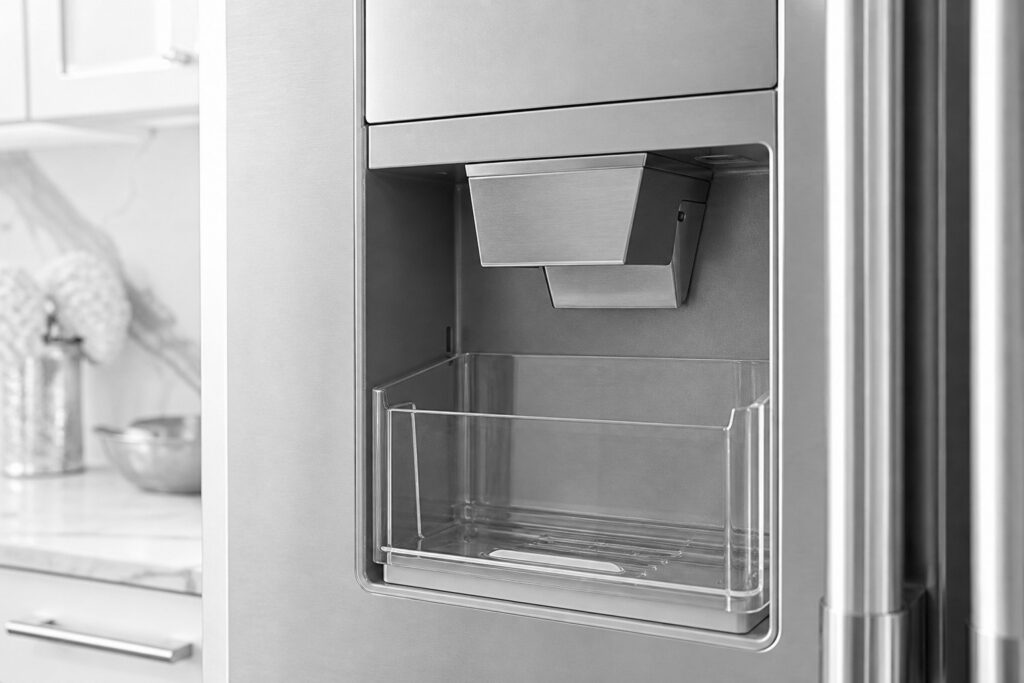
Ice Maker Not Working: Safe Steps First
Water supply, settings, and time after a reset explain many ice-maker complaints.
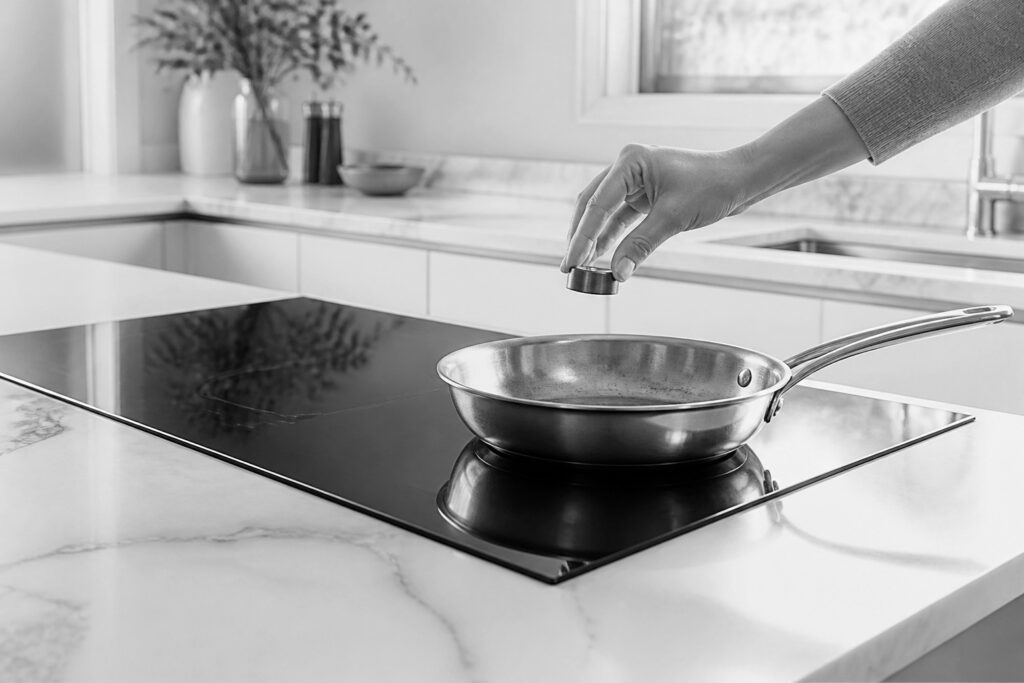
Induction Cooktop Not Recognizing Cookware
Compatible, correctly placed cookware is the first thing to verify when induction will not heat.
Book a repair
Tell us what’s wrong — we’ll take it from there
Share a few details and we’ll confirm an appointment. Prefer to talk? Call us and we’ll help right away.
Address
1200 Brickell Ave, Suite 400, Miami, FL 33131
Phone
(844) 771-7353
Email
service@example.com
Hours
Mon–Sat: 8:00 AM – 7:00 PM
Service area
Serving Miami, New York, Houston, Los Angeles and San Diego metro areas.
Response time
Same-day and next-day appointments in most areas.
Request your repair
Pick a time that works — we’ll confirm your appointment.